
888starz Login: Access Your Account in Egypt
Logging in to your 888starz account is quick and straightforward, whether you use the official website or the mobile app on your device. You only need your registered email and password to complete the sign in process, and your personal data is protected through secure encryption and optional two-factor authentication. Once you log in, you get full access to sports betting, casino games, your active bonuses, and your full transaction history.
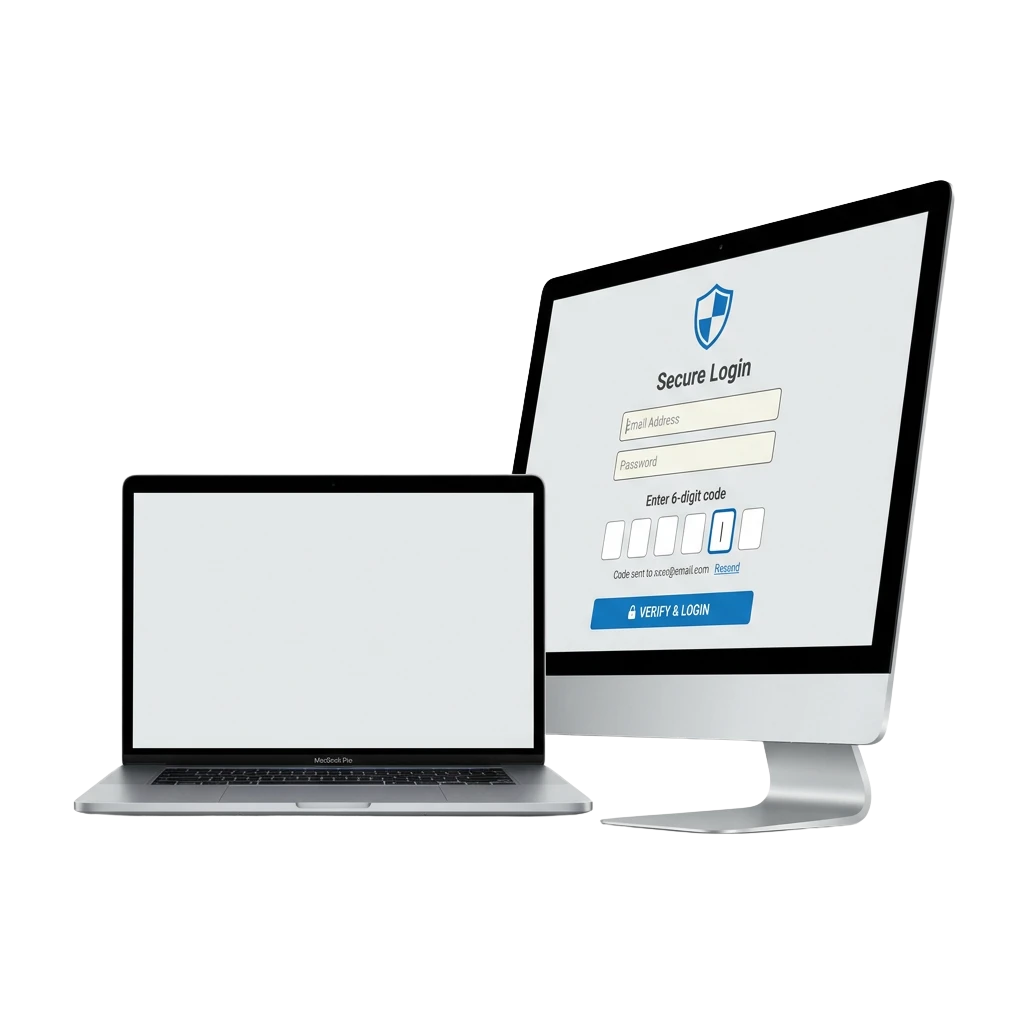
888starz Account Login Options in Egypt
There are multiple ways to access your account on the platform, giving you flexibility depending on your device and preferences. The available login methods on the official site include: email and password, one-click login (by phone number), and social account login.
Email and Password Login
Logging in with your email is the most reliable method for accessing your account. It ties directly to your registered profile and allows you to manage all personal settings and security options after sign in.
- Open the 888starz official website on your browser.
- Click the “Log In” button in the top right corner of the screen.
- Enter the email address and password linked to your account.
- Click “Confirm” to complete the sign in process and access your account.
How to Log In to 888starz via the Mobile App
The 888starz mobile app offers a faster and more convenient login experience compared to the browser, giving you direct access to your account from your device at any time. Follow the steps below to sign in through the app.
Step 1
Download the official 888starz app directly from this website by clicking the download link available on the homepage.
Step 2
Install the app on your device and open it once the installation is complete.
Step 3
Tap the “Log In” button on the app’s main screen.
Step 4
Enter your registered email and password, or choose an available alternative login method such as one-click or social login.
Step 5
Tap “Confirm” to complete the process and access your full account profile.
Common 888starz Login Problems and Solutions
Some users encounter technical or account-related issues during the sign in process. The table below covers the most frequent problems and the practical steps to resolve each one.
| Problem | Solution |
|---|---|
| Incorrect password | Click “Forgot Password” on the login screen and follow the steps to reset your credentials via your registered email. |
| Account not recognised | Double-check that you are using the email address linked to your official account profile. Avoid extra spaces or typos in the email field. |
| Account temporarily locked | This usually happens after multiple failed login attempts. Wait 15 to 30 minutes before trying again, or contact the support team for assistance. |
| Page not loading on the website | Clear your browser cache, switch to a different browser, or check your internet connection. You can also try accessing the platform through the mobile app. |
| Two-factor authentication code not received | Check your spam or junk folder, verify that your phone number or email is correct in your account settings, or request the code again after a short wait. |
How to Recover a Forgotten Password on 888starz
If you cannot access your account due to a forgotten password, the recovery process on the official site is straightforward and takes only a few steps.
Step 1
Click the “Forgot Password” link located on the login screen, just below the password field.
Step 2
Choose your preferred recovery method: either via your registered email address or via your phone number, if both options are available.
Step 3
Enter the requested information and submit the form to receive a password reset link or a verification code.
Step 4
Follow the instructions sent to your email or phone to set a new password for your account.
Step 5
Return to the login screen, enter your updated credentials, and sign in to your account as normal.
FAQ
Can I stay logged in on the 888starz website between sessions?
Yes. If you select the “Remember Me” option on the login screen, the platform will keep you signed in on that device so you do not need to re-enter your credentials each time.
Is it safe to log in to my account from a shared or public device?
It is not recommended. If you must use a shared device, make sure to log out after your session and never save your credentials on that device. Use two-factor authentication for added protection on your account.
Can I use the same login credentials on both the website and the mobile app?
Yes. Your email and password work across both the official website and the mobile app. There is no need to create separate credentials for each platform.
What should I do if I no longer have access to the email linked to my account?
Contact the customer support team through the official site. You will need to verify your identity by providing personal information associated with your account profile before any changes can be made.
How many login attempts are allowed before my account is locked?
After a set number of failed sign in attempts, the system may temporarily restrict access to your account as a security measure. If this happens, wait a short period before trying again or reach out to the support team for guidance.
Updated: